Digital signage, reinvented for phones

Turn any TV into a smart signage screen.

Scan a QR code to pair your TV or Android box, then manage menus, promotions, playlists and live widgets from your phone — across one screen or a thousand. No PC. No installers. Works offline.

  • No credit card
  • 60-second setup
  • Offline-first player
A digital menu board running on a TV inside a modern coffee shop Live now
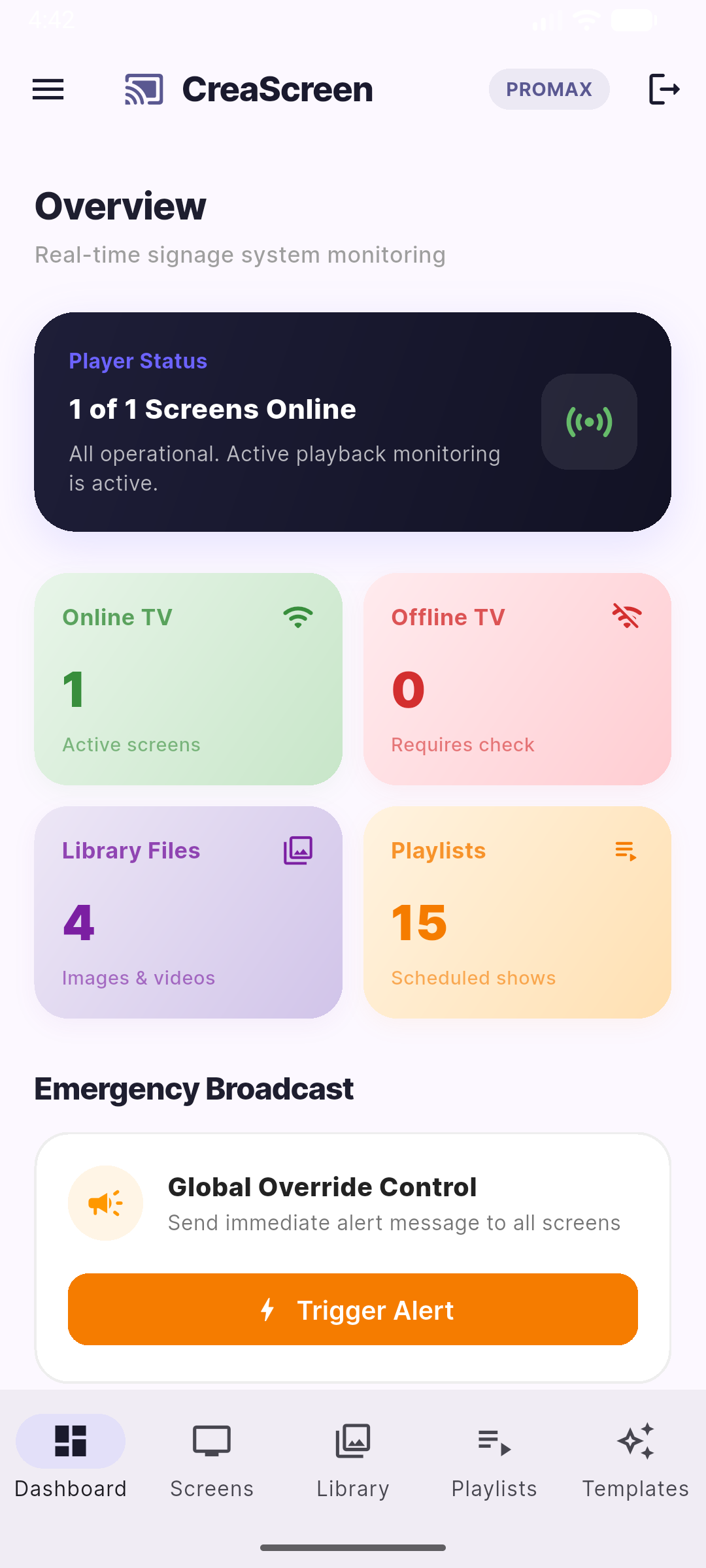
CreaScreen mobile dashboard showing screen status
11
Content sources & widgets
8
Multi-zone layouts
16
Industries covered
100%
Works offline

Built for every screen, in every space

🍽️ Restaurants🛍️ Retail🏥 Healthcare 🏢 Corporate🏫 Education💪 Gyms & Fitness 🛒 Grocery⛪ Worship🏦 Finance 🚚 Logistics🏨 Lobbies🏪 Convenience 🍽️ Restaurants🛍️ Retail🏥 Healthcare 🏢 Corporate🏫 Education💪 Gyms & Fitness 🛒 Grocery⛪ Worship🏦 Finance 🚚 Logistics🏨 Lobbies🏪 Convenience
One platform, two apps

A controller in your pocket.
A player on every screen.

CreaScreen splits the work cleanly: a powerful mobile admin app to design and schedule, and a rock-solid kiosk player that runs unattended on your TVs and boxes.

CreaScreen Admin

Manage everything from your phone — upload media, build playlists, design templates, assign zones and push updates instantly to any screen, anywhere.

  • Live screen status & remote screenshots
  • Emergency broadcast override
  • QR pairing & team roles

CreaScreen Player

Install once on any Android TV or box. It pairs in seconds, caches content locally and keeps playing flawlessly — even when the internet drops.

  • Offline-first smart caching
  • Auto-recovery & kiosk lock
  • Video, web, YouTube & live widgets
Everything you need

Powerful features, zero complexity

From a single café menu to a multi-location network of video walls — CreaScreen scales with you.

Rich content library

Images, videos, YouTube, web pages, Instagram and Google Drive — all organized in one cloud library with smart sync.

Playlists & sequencing

Drag content into ordered playlists, set per-item durations and loop them seamlessly across any screen.

Multi-zone layouts

Split one screen into independent zones — main content, a side panel and a scrolling ticker — with 8 ready-made layouts.

Smart widgets

Live clock, weather, RSS news, countdown timers and dynamic menu boards that update themselves automatically.

Designer templates

Start from industry-ready templates and customize text, colors and images in a built-in visual editor — no design skills needed.

Emergency broadcast

One tap to override every screen with an urgent message — perfect for alerts, closures and flash promotions.

Smart scheduling

Schedule playlists by time of day and day of week so your screens always show the right thing at the right moment.

Branches & team

Group screens by branch or location and invite your team with role-based access to keep control where it belongs.

Offline-first reliability

Content is cached on each device, so screens keep running through outages and reconnect & sync the moment they're back.

English & Arabic, RTL-ready

A fully bilingual interface with right-to-left support, so your whole team works in the language they prefer.

From box to broadcast in minutes

Three steps. That's it.

01

Pair your screen

Open the Player app on any TV or Android box. It shows a QR code — scan it with the Admin app and your screen is linked instantly.

02

Create your content

Upload media, pick a template, build a playlist or arrange zones. Preview everything live, right from your phone.

03

Publish everywhere

Assign content to one screen or all of them and hit publish. Updates land in seconds and keep playing — online or off.

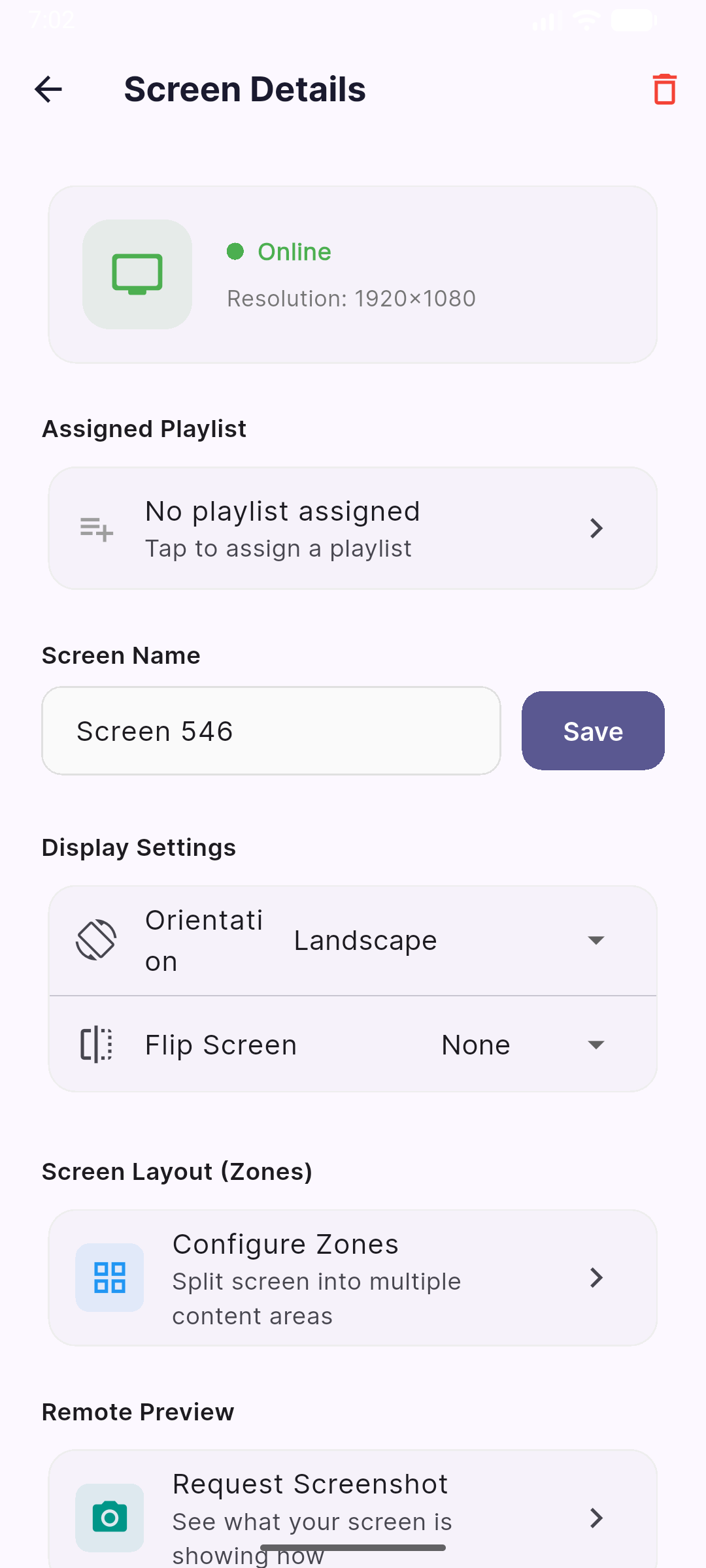
Screen details screen with zones, orientation and remote preview
🟢 Online · 1920×1080
🧩 Configure zones
Plug in any source

Mix media, web and live data on a single screen

CreaScreen doesn't lock you into one kind of content. Combine uploaded media with live web dashboards, social feeds and self-updating widgets.

  • 🖼️ Images & posters
  • 🎬 Videos
  • ▶️ YouTube & live streams
  • 🌐 Web pages & dashboards
  • 📸 Instagram feeds
  • 📂 Google Drive
  • 🕒 Clock & weather
  • 📰 RSS & news ticker
  • Countdown timers
  • 🍔 Dynamic menu boards
Made for your space

One platform, endless use cases

Onboard by industry and use case — CreaScreen tailors the experience from your very first screen.

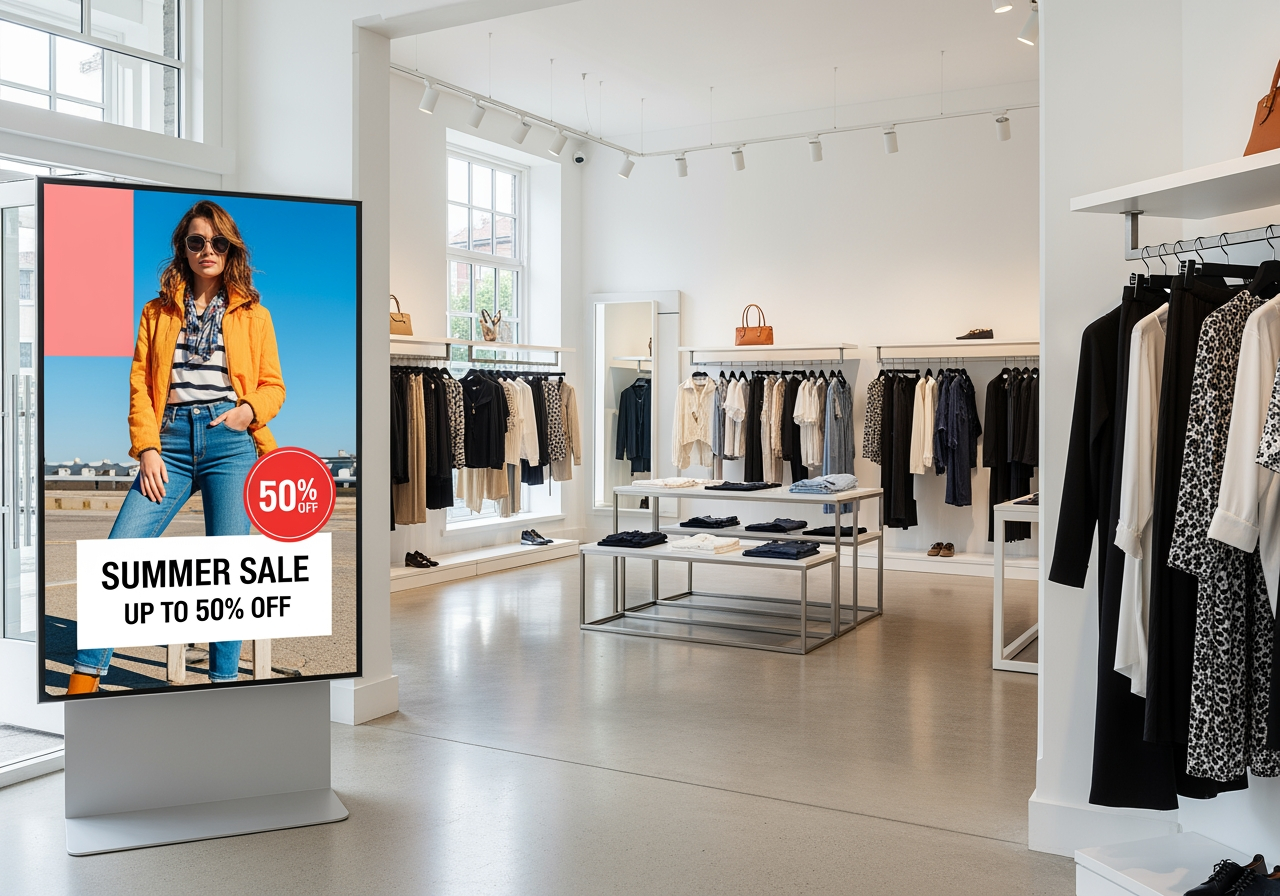
Digital promotion display in a retail boutique

Retail & promotions

Push seasonal offers, price drops and lookbooks to storefront screens the moment they go live.

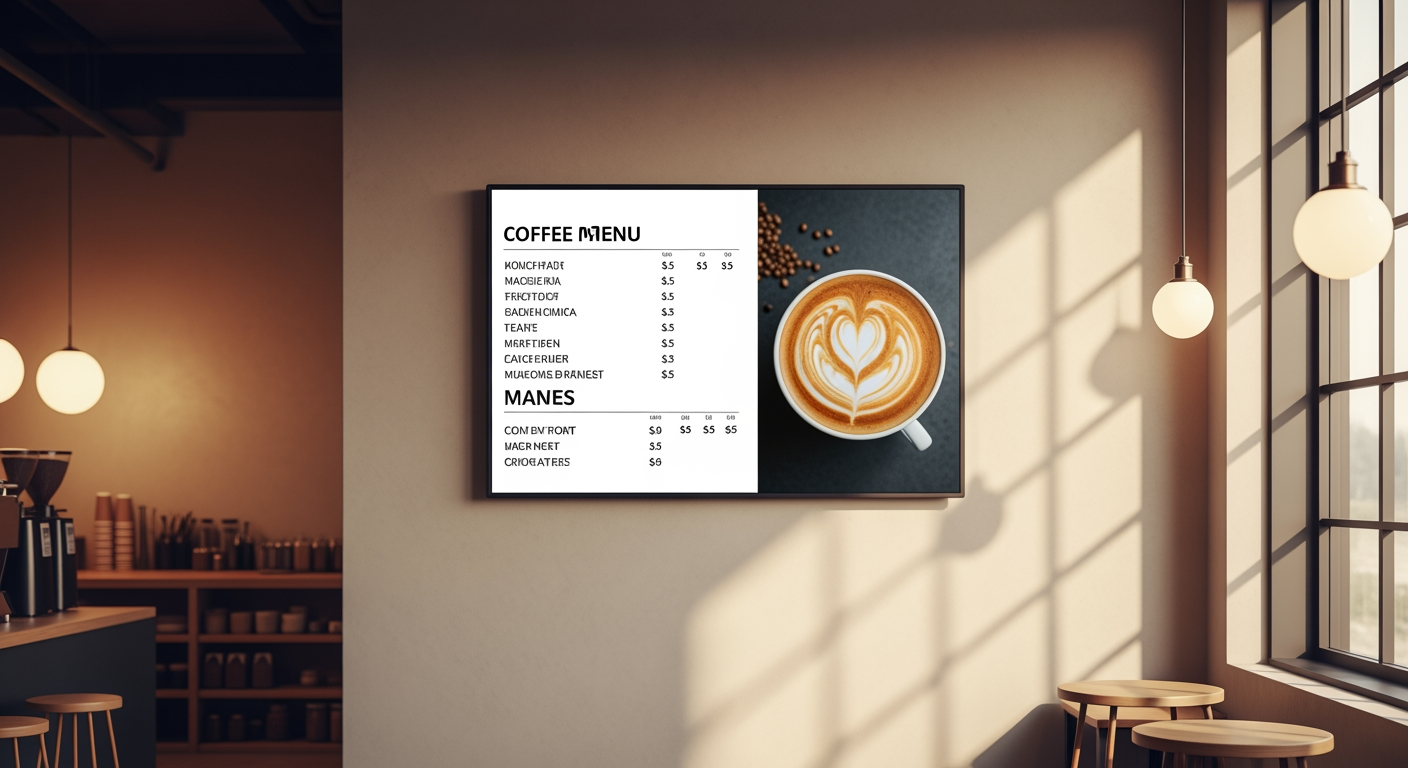
Digital menu board in a coffee shop

Restaurants & menu boards

Self-updating menu boards with photos, prices and dayparting — swap breakfast to dinner automatically.

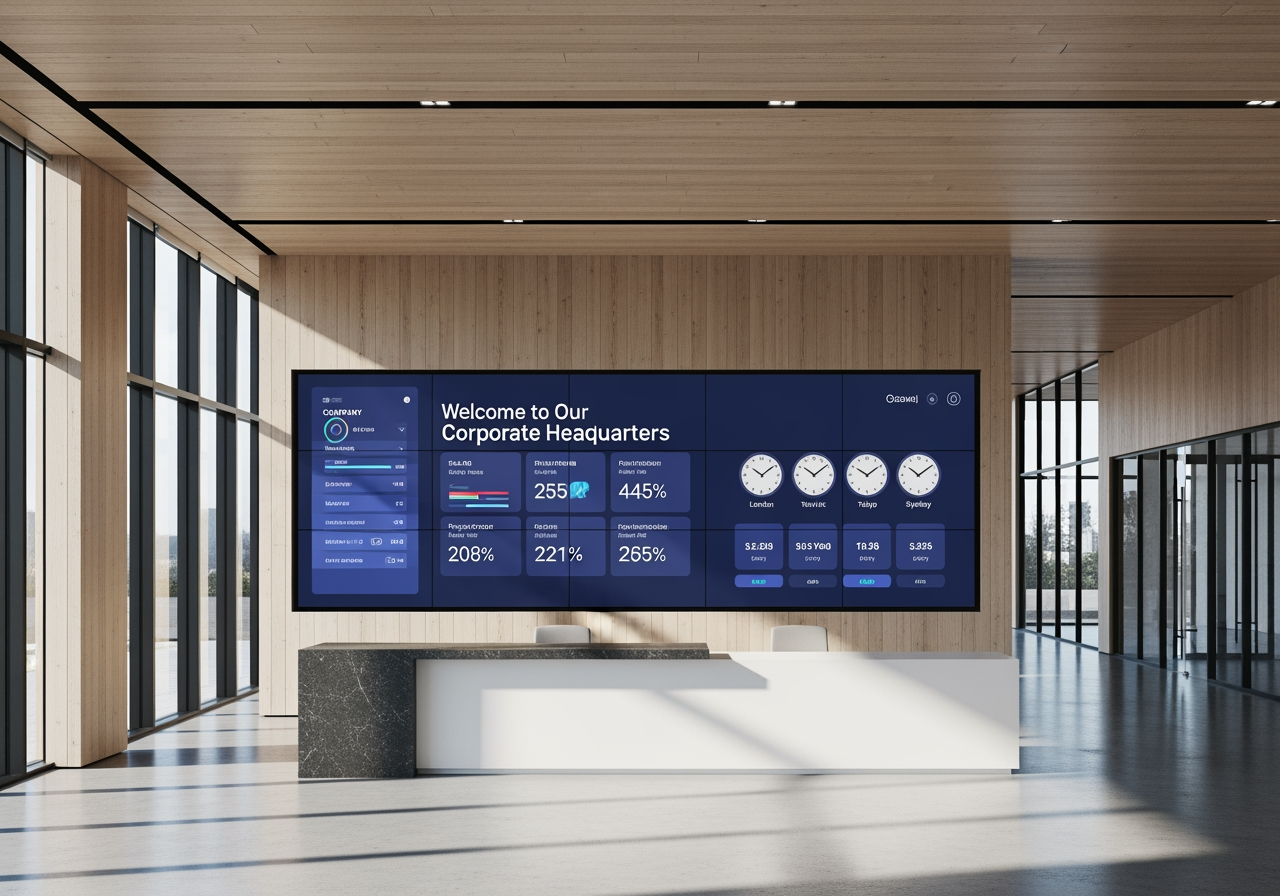
Corporate lobby video wall with KPIs and welcome message

Corporate & lobbies

Welcome visitors, broadcast KPIs and internal comms across reception walls and meeting-room displays.

HealthcareEducationGyms & Fitness Grocery StoresWorshipFinance GovernmentManufacturingTransportation Assisted LivingMedia AgenciesConvenience Stores
Simple, honest pricing

Start free. Upgrade when you grow.

No setup fees, no hardware lock-in. Pay only for the screens and features you actually use.

Free

$0/mo

Perfect for trying it out on a single screen.

  • 1 screen
  • 500 MB storage
  • Playlists & media library
  • Smart widgets
  • Offline player
Get started

Ultra

$14.99/mo

For networks that need every advanced tool.

  • Up to 15 screens
  • 25 GB storage
  • Multi-zone layouts
  • Instagram & Google Drive
  • Everything in Pro
Go Ultra

Prices in USD. Cancel anytime — your screens keep their offline content.

Good to know

Frequently asked questions

What hardware do I need?

Any TV with an Android box, an Android TV, or an Android-powered display. Just install the free CreaScreen Player and pair it — no proprietary media player or PC required.

Does it keep working without internet?

Yes. The player caches your content locally and keeps playing through outages. When connectivity returns it automatically syncs only what changed, thanks to smart hash-based sync.

How do I connect a screen?

Open the Player app on your TV — it displays a QR code. Scan it from the Admin app on your phone and the screen is paired in seconds.

Can I manage multiple locations?

Absolutely. Organize screens into branches, invite teammates with role-based access, and push content to one screen or your entire network at once.

What kind of content can I show?

Images, videos, YouTube, live web pages, Instagram, Google Drive files, plus smart widgets like clock, weather, RSS news, countdowns and dynamic menu boards — alone or combined in multi-zone layouts.

Is there a free plan?

Yes — the Free plan runs one screen with the core library, playlists and smart widgets. Upgrade to Pro or Ultra anytime for more screens, storage and advanced features.

Your screens deserve better than a USB stick.

Set up your first screen in under a minute — free, no credit card, no commitment.